
Treadmill Belt 101: Signs of wear, replacement timing, and DIY parts checklist
 Fitness
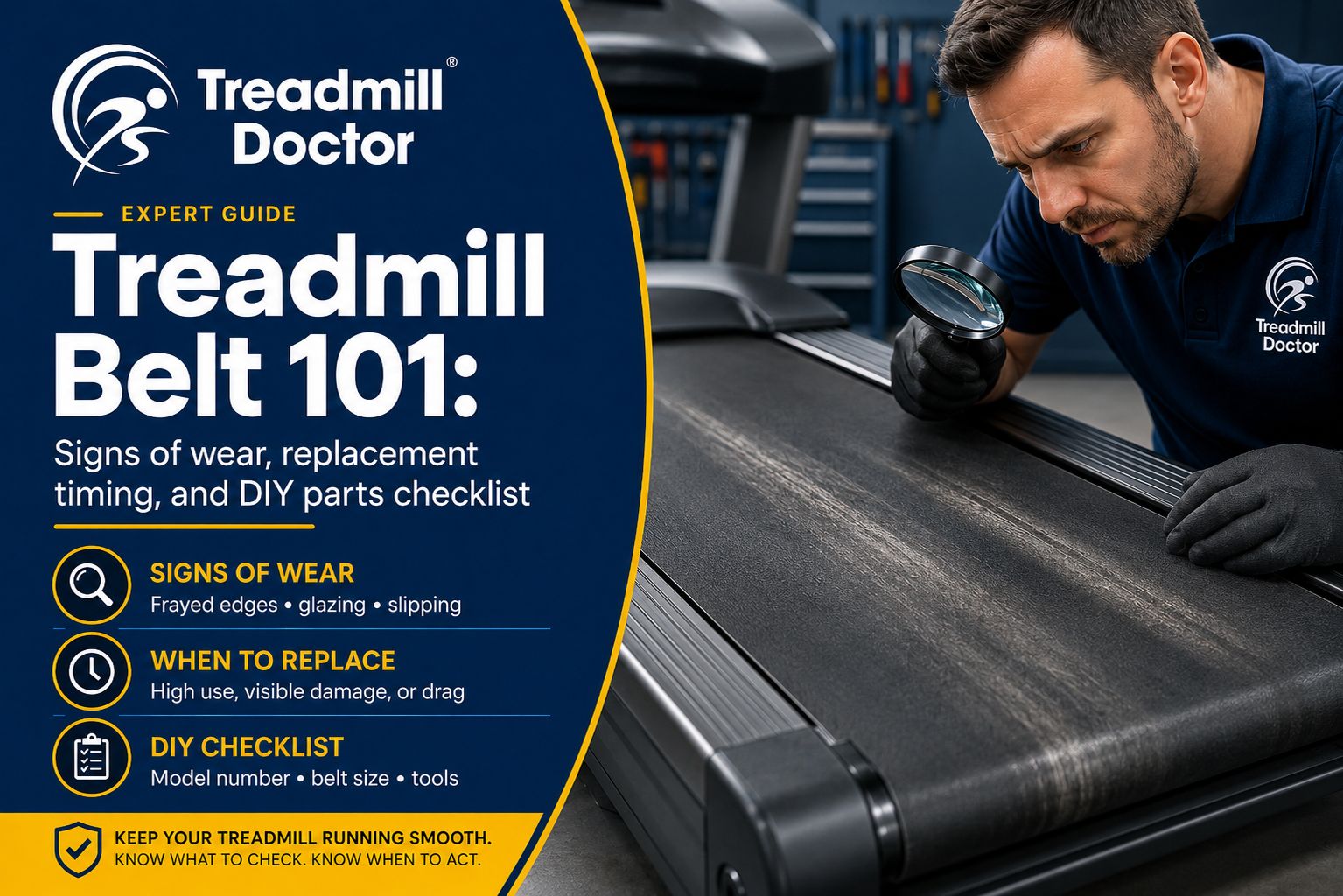
Treadmill Belt 101: Signs of wear, replacement timing, and DIY parts checklist
A smooth treadmill should feel predictable underfoot. When the belt starts slipping, squealing, or smelling hot, your workout turns into guesswork. The good news: treadmill belt issues are usually fixable at home with a short inspection and a smart parts plan.
This guide shows you how to spot a failing walking belt, why the drive belt matters too, and what to order for a first-time-fix. You will also get safety steps, timing and cost expectations, and expert tips to avoid repeat labor.
Walking belt vs drive belt, and why to replace both
Treadmills use two primary belts:
Walking belt: the wide belt you stand on.
Drive belt: the smaller belt that connects the drive motor to the front roller.
When the walking belt wears, friction climbs. That extra drag stresses the drive motor and motor controller, and the drive belt usually ages alongside it. Replacing both belts together typically restores balanced performance, reduces noise and heat, and saves you from opening the machine twice. If your walking belt is glazed, frayed, or slipping, consider it paired-belt time.
Common signs your walking belt is failing
Watch for:
Slipping underfoot when you step down, especially at low speeds or on inclines.
Glazing or shiny streaks on the belt surface.
Frayed or curled edges, loose threads, or seam separation.
Tracking that drifts even after you align it correctly.
A hot or burnt smell during or after use.
Scorch marks or dark streaks on the deck surface under the belt.
Jerky motion, squeaks, or chirps that return soon after temporary adjustments.
If several of these show up at once, plan on replacing the walking belt and the drive belt together, and inspect rollers and bearings while you are in there.
Safety-first inspection and quick tests
Always unplug the treadmill before inspection or cleaning.
Check belt condition Lift the side of the walking belt at mid-deck. Look for glazing, frayed edges, and belt seam health. If the belt has hardened, cracked, or shows shiny patches, friction is high.
Deck feel test With the unit unplugged, reach under the lifted belt and feel the deck. A good deck is smooth and even. Scorching, grooves, or rough spots point to an overdue belt replacement and possible deck wear.
Simple tension check At the center of the deck, you should be able to lift the belt a few inches with light force. If you can barely lift it, it may be overtightened, which drives heat into the belt, rollers, and motor. If it lifts too easily and slips under load, it is likely too loose or worn.
Drive belt visual Remove the motor cover (if equipped). Inspect the drive belt for cracks, glazing, fine black dust, or slack. If the walking belt is failing, assume the drive belt is tired too.
Clean-out pass Vacuum dust from around the drive motor and motor controller, the front roller, and the under-deck area. Dirt accumulation is the number one enemy of proper functioning. It accelerates wear on belts, bearings, the motor controller, and even the drive motor.
Pro Tip: After reassembly, verify tracking at low speed. Make only small, even adjustments, and let the belt run for a minute between changes.
DIY parts planning: get the model and serial right
Model names alone are not enough. Many brands release internal variations under the same name.
Capture the exact model and full serial number from the frame sticker or data plate.
Note the production run or revision codes if shown. If the sticker includes a version, series, or date code, write it down or take a clear photo.
If your unit has had major repairs, check for updated part numbers on existing components.
To avoid misorders, contact Treadmill Doctor for free remote diagnostics. A quick call or chat can confirm the correct walking belt, drive belt, and any roller or bearing updates your serial requires. It is the fastest way to fix it right the first time and avoid returns.
Replacement timing and is it worth it
How to know if a treadmill belt is worn out: when you see multiple signs from the list above, especially slipping, glazing, a burnt smell, or deck marks. If the belt will not hold alignment after correct tracking steps, that is another strong indicator.
Is it worth replacing a treadmill belt: typically yes. A fresh walking belt combined with a new drive belt can make a tired treadmill feel new again and reduce load on the drive motor and motor controller. For most residential units kept in reasonable shape, belts and basic hardware are a modest investment compared to a new machine.
How often should a treadmill belt be replaced: it depends on use, environment, and care. Light residential users might go several years with proper lubrication and cleaning. Heavy daily use, heat, and dust shorten life. Inspect seasonally and plan on replacement when multiple wear signs appear rather than on a strict calendar.
Parts you may need for a first-time-fix
Plan to order:
Walking belt (consider Gym Tough Pro for lower friction and smooth feel).
Drive belt.
Front and rear rollers if they are noisy, rough, or show grooves.
Roller bearings if they grind or feel gritty.
Deck lube specified for your belt and deck surface.
New hardware or fasteners if corroded or rounded.
If you discover heat damage, inspect the drive motor and motor controller carefully. Long-term slipping can stress both.
Cost and time expectations
Every model is different, but here is what to expect in general terms:
Walking belts and drive belts: commonly a moderate parts cost. Premium low-friction belts, like Gym Tough Pro, can be higher but may run cooler and quieter.
Rollers and bearings: add a bit more if noise or roughness is present.
Lubricant: inexpensive and essential.
Time to install can vary with layout and experience. Many DIYers complete a belt swap in a few hours, including cleaning and careful alignment. Add time if you are also replacing rollers or bearings. If you prefer expert confirmation before ordering, Treadmill Doctor provides complimentary diagnostic services to build an exact parts list for your model and serial.
Installation support and pro tips
Use the correct lubricant only. Never WD-40. It is not a treadmill lubricant and can damage belt materials and the deck.
Replace blown fuses with the exact same type and rating. Many treadmills use fast-blow or slow-blow (time-delay) fuses on the motor controller or in-line holders. Pro Tip: if a controller fuse keeps blowing, stop and request diagnostics. Repeated faults may point to excess belt friction, wiring issues, or a failing control board and possibly the drive motor.
Power and outlet basics matter. Pro Tip: some manufacturers advise avoiding GFCI-protected outlets for treadmills due to inrush current that can trip a GFCI. Test at a non-GFCI outlet if trips repeat, while observing local code and safety guidance.
After replacement, set belt tracking slowly. Make quarter-turn adjustments and let the belt run at low speed for a minute before changes.
When to add rollers or bearings
Add rollers if the surface is grooved, the shaft is rusty, or the bearings howl or drag when spun by hand. A rough roller can shred a new belt or create alignment drift. If in doubt, ask Treadmill Doctor to listen for bearing noise during a live diagnostic.
Quick shopping links
Ready to order precision-fit parts with fast shipping and posted lead times?
Browse walking belts, including Gym Tough Pro options, plus model-specific listings at Treadmill Doctor: see the walking belt category under treadmill parts.
If you also need a drive system refresh, check compatible rollers and drive belts on the same model page or ask for a paired-belt kit recommendation.
For a broader search, you can explore the full catalog of fitness equipment replacement parts, including treadmills, ellipticals, bikes, and rowers. If your console shows fault behavior or you suspect electronics, ask about control boards alongside the drive motor to ensure a matched repair.
Internal links to help you start:
Explore treadmill belt options in the walking belt category at Treadmill Doctor: https://www.treadmilldoctor.com/parts/treadmill/walking-belts
See compatible treadmill rollers if yours are noisy or grooved: https://www.treadmilldoctor.com/parts/treadmill/rollers
Shop the full range of fitness equipment replacement parts by model: https://www.treadmilldoctor.com/parts
If your unit lost power while the belt was slipping, review this no-power checklist before assuming a board failure: https://www.treadmilldoctor.com/blog/troubleshooting-treadmill-that-not-turn-on
FAQ
What are common signs of a failing belt? Slipping, glazing or shiny streaks, frayed edges, alignment that drifts after proper tracking, a burnt smell, and deck scorch marks.
How to know if a treadmill belt is worn out? Confirm with a visual check plus the deck feel test. Multiple signs together, especially slipping and heat or odor, indicate it is time.
Is it worth replacing a treadmill belt? Usually yes. A new walking belt plus a new drive belt often restores smooth operation and reduces load on the drive motor and motor controller.
Can you replace a treadmill belt yourself, and how long does it take? Many DIYers can. Budget a few hours for a careful swap, cleaning, alignment, and test run. Add time if replacing rollers or bearings.
How often should a treadmill belt be replaced? There is no single interval. Inspect seasonally. Replace when wear signs appear; heavy use and dusty environments shorten life.
Can you use WD-40 to lubricate a treadmill belt? No. Never use WD-40 on a walking belt or deck. Use the lubricant specified for your belt and deck materials.
Summary
If your treadmill feels slip-prone, shiny, or hot, the walking belt is sending a message. Confirm with a safe inspection, plan a paired-belt replacement with the drive belt, and check rollers and bearings while you are in there. Order with your exact model and serial to avoid misfits, and lean on Treadmill Doctor’s complimentary diagnostic services to validate the parts list. A correct, well-lubricated belt setup runs cooler, spares the drive motor and motor controller, and gets you ready for the summer usage spike with fewer surprises.