
Black Friday Treadmill Maintenance Checklist and Parts Guide
 Fitness
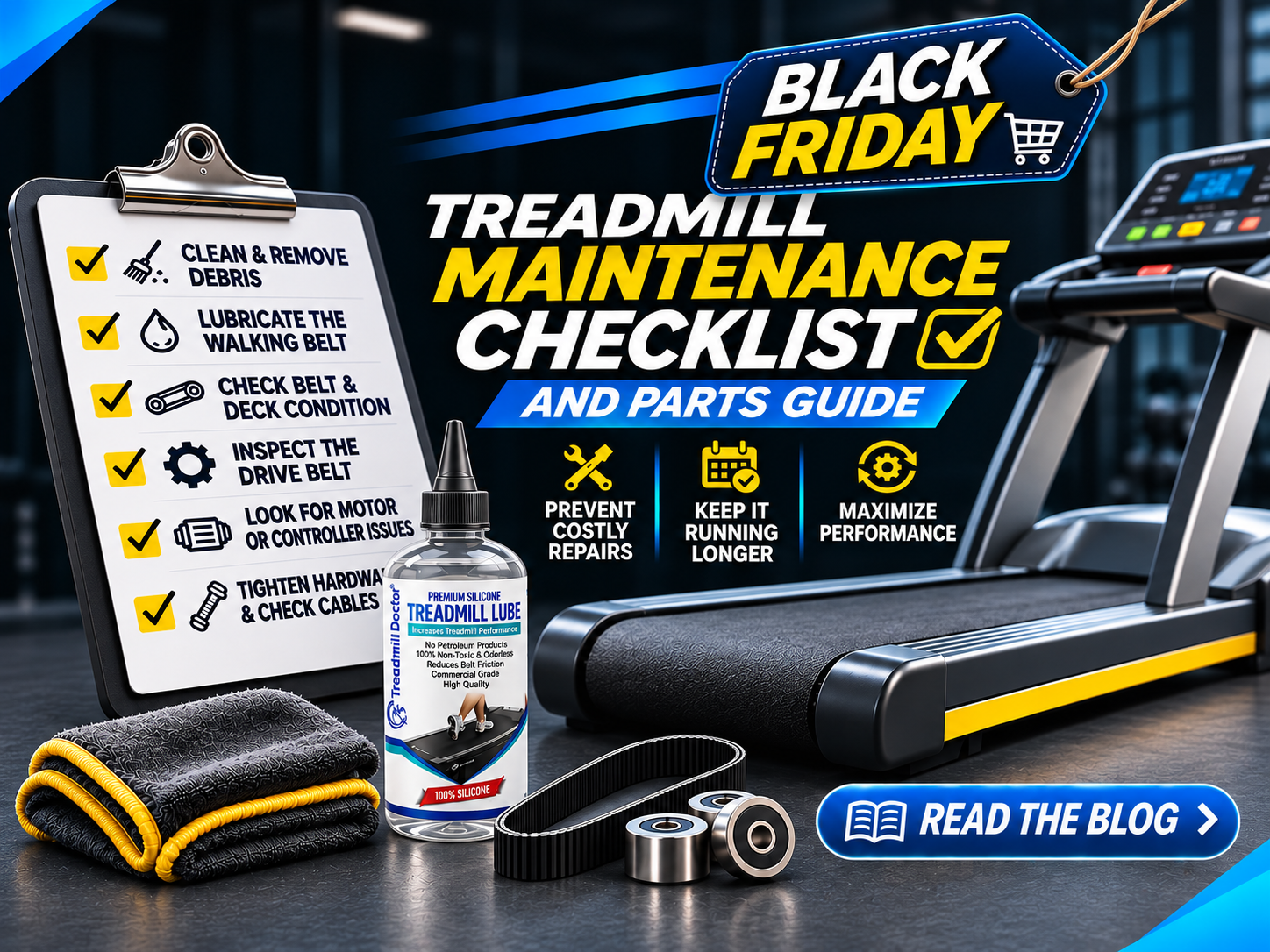
Holiday crowds are coming. That means more miles, more heat, and more dust trying to turn good treadmills into noisy quitters. A quick, targeted tune-up now will save you downtime later.
Whether you run a commercial floor or a home gym, use this no-nonsense checklist to catch wear early, fix the usual suspects, and stock precision-fit parts before the rush. We will also show you how to diagnose slipping, erratic speed, and no-power issues safely, then point you to model-and-serial specific parts so you can fix it right the first time.
Your pre-rush checklist
Unplug, open, and clean
Unplug the unit. Remove the motor cover (if equipped). Vacuum dust from the drive motor, motor controller, rollers, belt edges, and under-deck area. Wipe sweat and grime from the console and handrails. Clean the floor under and around the unit. Dirt accumulation is the number one enemy of proper functioning, and it accelerates wear on belts, bearings, motors, and controllers.
Pro Tip: Aim a small fan at the motor area during heavy use to reduce heat and moisture. Add a quality mat under the unit to limit dust migration.
Inspect and replace both belts together
Check the walking belt for glazing, fraying, seam lift, and edge cracking. Check the drive belt for glazing, slack, and black dust. If either belt is worn or slipping, replace both together. That restores balanced traction, reduces motor load, and avoids repeating the labor.
Pro Tip: After installing a new walking belt, apply the recommended silicone lubricant between belt and deck, then walk the belt at low speed to spread it evenly.
Verify belt tracking and deck condition
Run at low speed and confirm the walking belt stays centered with light load. Make small tracking adjustments as needed. If the belt wanders after careful adjustment, inspect rollers, bearings, and deck wear.
Check rollers and bearings
Spin rollers by hand. They should feel smooth and quiet, with no grinding. Replace rough rollers or noisy bearings before they chew up a new belt.
Pro Tip: To isolate a bad bearing, unplug the unit, secure the safety key, and use a long-handled screwdriver as a stethoscope. Place the tip on each bearing housing and listen at the handle. Do not place hands near moving parts during live tests.
Drive motor and motor controller behavior
On power-up and start, the motor controller should deliver a low DC voltage to the drive motor that ramps up as you increase speed. Immediate high DC on power-up suggests a shorted controller output. If speed surges or stalls, test both the motor controller and the drive motor before ordering parts.
Pro Tip: Safe bench-style motor test: unplug the unit, remove the motor leads, and briefly touch them to a low-voltage DC source like a cordless drill battery (black to negative, red to positive). A healthy motor spins smoothly and reverses when leads are swapped. Only do this if you are comfortable and equipped.
Safety key, fuses, and surge protection
Confirm the safety key seats positively and the switch works. Inspect inline and board-mounted fuses. Replace only with the exact same rating and type.
Pro Tip: Fuses come in fast-blow and slow-blow (time-delay). Match type and rating exactly. Unsure? Ask Treadmill Doctor’s techs before you swap. Also use a surge protector where appropriate to help protect electronics.
Power basics and outlet choice
Check the outlet with a tester. Confirm the cord is fully seated at the deck and console (if equipped). If the unit trips a GFCI repeatedly, try a non-GFCI circuit as many treadmills do not play well with GFCI inrush. Always follow local code and safety guidance.
Rapid diagnostics for the top 3 headaches
Slipping belt under foot
Symptom: belt pauses or jerks when you step.
Checks: walking belt lubrication and tension, drive belt glazing or slack, roller bearings, deck wear.
Fix: lubricate per spec if dry. If glazed or frayed, perform walking belt and drive belt replacement together. Re-track and re-tension.
Erratic speed or surging
Symptom: speed hunts, delays, or surges.
Checks: clean dust in motor area, verify belt condition and tension, inspect drive motor brushes (if brushed), confirm controller output ramps with speed command, inspect wiring harness for loose plugs.
Fix: correct belt issues and dust first. If output jumps high at idle or will not ramp, suspect the motor controller. Confirm the drive motor with the safe bench test before replacing electronics.
No power at all
Symptom: console dead, no beep, no lights.
Checks: outlet and breaker, safety key seated, main switch, fuses matched by rating and type, power cord seating, visible wiring.
Next: if still dead, see this focused guide on how to troubleshoot no power to a treadmill. It covers step-by-step basics before you consider a motor controller or drive motor.
Parts to pre-stock for Black Friday
Precision-fit walking belts for your exact model
Matching drive belts
Silicone treadmill lubricant and cleaner
Safety keys matched to brand and style
Common fuses in correct ratings and types
A quality mat to reduce dust and moisture creep
Have your model and serial ready, then browse treadmill parts by model for fast, correct fitment. Or tap free remote help to confirm compatibility and build your parts list.
When to replace vs repair
Is it worth replacing a treadmill belt? Yes, if the frame, rollers, drive motor, and motor controller are healthy. A new walking belt plus drive belt typically restores traction, lowers friction, and protects the motor/controller from overwork.
Can a treadmill be repaired? Usually. Most failures come down to wear items, a tired motor, or a failing controller or fuse. Fixing targeted parts often extends life significantly.
Typical life expectancy depends on use, environment, and care: residential treadmills often run 7 to 12 years with proper maintenance. Commercial units vary widely by duty cycle and maintenance quality.
Quick how-to: replace both belts and reset tracking
Unplug, remove motor cover, and note routing.
Release rear roller tension and remove the walking belt. Inspect deck; flip or replace if worn (if applicable).
Remove and replace the drive belt. Check pulley alignment.
Install the new walking belt, tension per manual, and track at low speed.
Lubricate between belt and deck, then walk it in.
Recheck tracking after 10 to 15 minutes of mixed-speed operation.
Pro Tip: After new belts, listen for chirps. A tiny tracking tweak usually cures it. Persistent drift points to a rough roller or uneven deck.
Where to get precision-fit parts and help
Browse precision-fit treadmill belt options and match by model and serial.
Explore control boards and motor controller options if diagnostics point there. If you are chasing a NordicTrack issue, see targeted NordicTrack control board options.
Need a second opinion before you buy? Use Treadmill Doctor’s free diagnostic services for step-by-step checks and a verified parts list.
FAQ
What are common treadmill problems?
Slipping or drifting walking belts, glazed or loose drive belts, erratic speed from a failing motor controller or worn drive motor, repeat blown fuses, and no-power from safety key, fuse, cord, or controller faults. Dust buildup under motor covers is a top aggravator.
Is it worth replacing a treadmill belt?
Often, yes. If the structure, rollers, drive motor, and motor controller are sound, a new walking belt plus drive belt restores traction, lowers heat, and usually quiets the unit.
Can I fix a slipping treadmill belt myself?
Usually. Lubricate correctly, set tension, and re-track. If the belt is glazed or frayed, replace the walking belt and drive belt together. Follow live-test safety if you verify tracking under power.
Can a treadmill be repaired?
Yes. Most units respond well to targeted parts like belts, rollers, fuses, a motor controller, or a drive motor. Use diagnostics to avoid guesswork.
What are the parts of a treadmill called?
Common terms: walking belt, deck, front and rear rollers, drive belt, drive motor, motor controller or control board, incline motor (if equipped), console, safety key or switch, wiring harness, and frame.
Wrap-up
A clean motor bay, fresh lubrication, and matched belts will carry you through the holiday surge with fewer calls and quieter miles. Have your model and serial handy, stock the likely wear items, and use Treadmill Doctor’s free remote diagnostics when in doubt. Ready to prep? Start by browsing treadmill parts by model, then grab the right walking belt and drive belt so your units hit Black Friday at full stride.
Links referenced in this guide:
See no-power basics: how to fix a treadmill that won't turn on
Browse treadmill parts by model: treadmill parts
Explore control electronics: control boards
NordicTrack specific boards: NordicTrack control board