
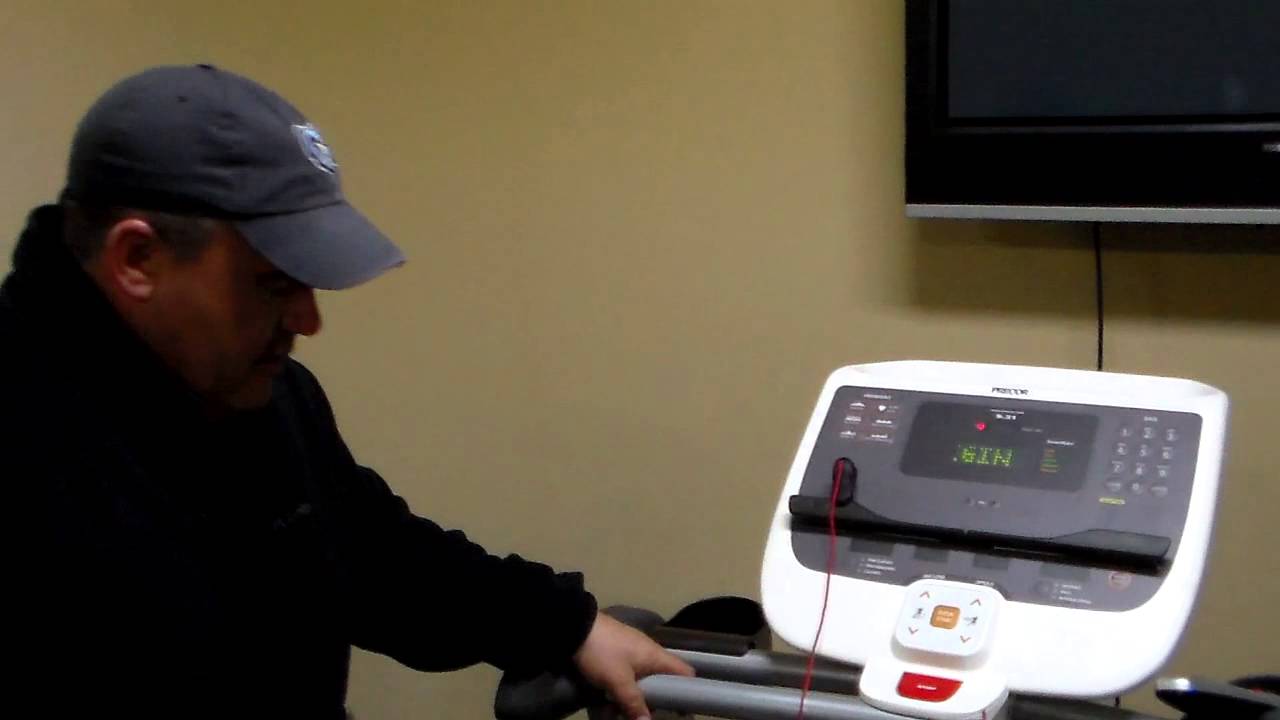

I have an E11 error code
Includes Keys, Ironman, Alliance, Milestone, Encore, HealthTrainer, some Smooth models, some CardioZone models, Galyans, and several other brands.
Meaning of code:
The walking belt is moving slower that the console is showing. Many times, the same symptoms can cause an E11 and an E22 error.
Step 1
The most common problem is belt/deck friction. If you have a belt that has too much friction, it can cause a wide enough speed variation to create an error. You can try our World Famous lube to help but eventually at least the Treadmill Walking Belt will have to be replaced.
Step 2
Before doing anything, check the drive system for a foreign object. A little "helper" can put a small ball in the drive system and you'll get an error code.
Step 3
Be aware of any noises the treadmill was making. If the treadmill had a screeching noise, the bearings in one of the bearings or motor could have had a problem. Read our help section on how to find a bearing noise to isolate which part is causing the trouble.
Step 4
Make sure the motor fan is firmly attached to the motor shaft. There are a series of "fins" on the fan that are read by the speed sensor. If it is not properly attached, you can get a bad reading. Also if some of the fins have broken off, a bad reading results.
Step 5
Check the wire from the speed sensor and make sure it is firmly in place on the sensor and the electronics. Make sure the S F/B LED on the controller flashes as the fan turns. This is telling you the sensor is reading properly. Clean the sensor with a Q-tip and rubbing alcohol if it doesn't flash and if that doesn't fix it, replace the sensor.